
This page explains how to open a REBATE ONE cashback-eligible account with easy markets.
Please note that, in accordance with easy markets’ policy, customers who are already using easy markets but opened their accounts through another partner cannot change their partner affiliation.
Opening an account with easy markets does not require any mail-in paperwork; the entire process is completed online. Opening an account is very simple, so even first-time users can do so with confidence.
Documents Required for Opening a New Account with Easy Markets
To open an account, you will need an email address and the following identification documents.
Identification documents (valid)
* Government-issued ID card (My Number Card)
* Driver's license
* Passport
Proof of address (issued within the past 6 months)
* Health insurance card, certificate of residence, or equivalent document
* Utility bill or receipt
* Bank statement
Opening an Easy Markets Cashback Account
Create an easy markets Account
Click the link button below to the official Easy Markets website to open the Easy Markets account opening page.
If the button doesn't open, you can also open an account through the official Easy Markets website.
Enter your email address and other information
First, enter your "name," "email address," "password for easy markets," and "phone number."
Enter the phone number including the country code (for Japan, +81). If you are using a mobile phone registered in Japan, omit the leading "0" when entering the number.
Example) 090-△△△△-×××× → 90-△△△△-××××
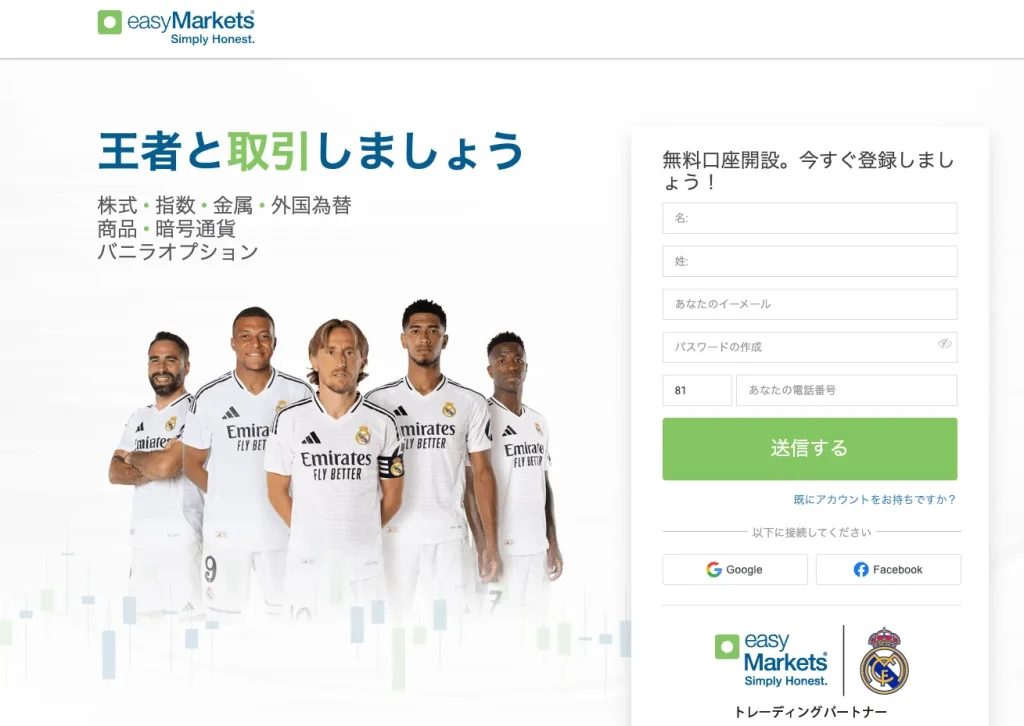
When you click "Send," you'll be prompted to select your country of residence. Make your selection and click "Continue."

You will receive an email confirming that your account has been opened, and you will then be able to log in to your Easy Markets account.

Enter the details of the account you created
To access all of easy markets' features, please enter your details to activate your account.
Log in to your Easy Markets account and click the "i" next to "Please fill out your profile" in the upper-left corner.

When you press "i," the "Completed Procedures" screen will appear; select "Enter Personal Information."

Enter your account details
First, register your "Personal Profile" using the "Please provide your account details" form.
Enter your personal information, such as your "address" and "date of birth."

Once you have finished entering your information, click “Next,” and then fill out your “Financial Profile.”
"Expected Turnover (Annual)" refers to the amount you plan to use for trading on easy markets. Please select the appropriate option.
You will also select “Employment Status,” “Annual Income,” and “Deposit Method for easy markets.” The “Expected Country of Origin and Destination for Funds” will display the options you selected earlier.

Once you have finished entering the information, click “Next.”
Next, enter your “Trading Profile.”
Select the types of trades you plan to make primarily and the number of years of investment experience.

Once you have finished entering your information, click "Submit." This completes the process of entering your account details.
If you have finished entering your account details, a green checkmark will appear to the left of "Enter Personal Information."
Next, we'll upload the documents.
Upload Documents
Upload your identity verification and proof-of-residence documents. Click "Upload Documents" to begin.

When you click "Upload Documents," you'll see an "Electronic Certification" button on the left; click it to begin.

Select a photo ID (My Number Card, driver's license, or passport) for electronic authentication.

When you select it, the authentication program will launch, and once you click "Authenticate," you'll be able to upload the file.

Follow the same procedure for the proof of residence documents, and once the "Upload Successful" screen appears, the process is complete.
Phone Verification from Easy Markets
You will receive a verification call from a Japanese representative at easy markets. They will ask you a few questions, such as your name, so please answer them.

Once the phone verification is complete, your easy markets cashback-eligible account will be fully set up.
Let's apply for an account so you can get your cashback!
Once you've created an account eligible for cashback, the next step is to apply for an account to receive the cashback.
If you do not submit this application, you will not be able to receive your cashback even if you have gone to the trouble of opening a cashback-eligible account, so please be sure to do so.
Final Step >> Request a Cashback Receiving Account